Ask ChatGPT or Claude about your own business
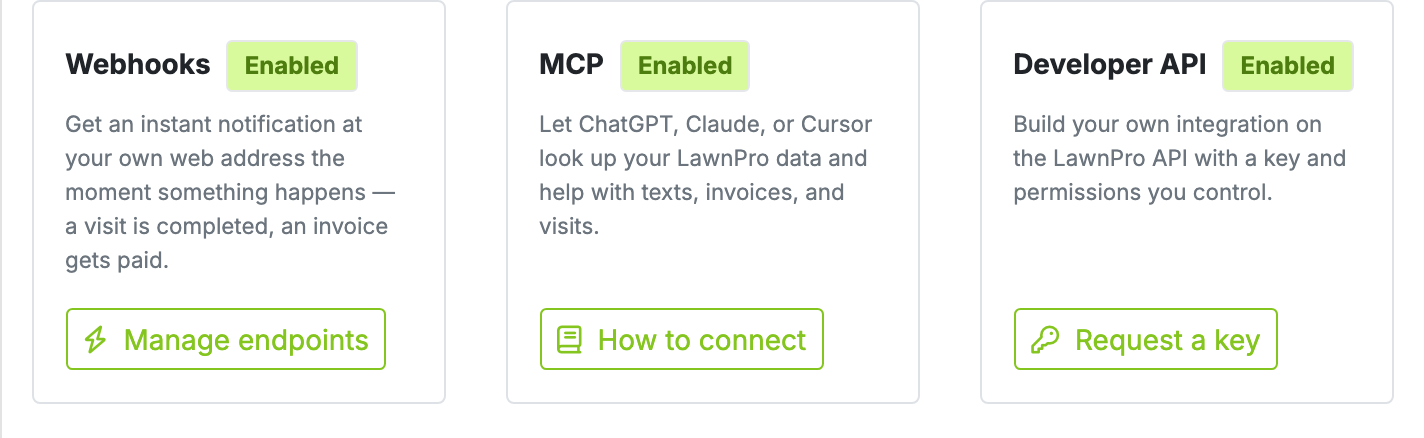
MCP connects your AI assistant straight to your LawnPro account, so it answers from your real customers, invoices, and schedule instead of guessing. Ask "who still owes me money from May?" and get the actual list. Looking things up is instant—and it can't change anything without your say-so.
Your business data, in plain English
General-purpose AI tools don't know anything about your company. Ask one about your past-due customers and it will make something up, because it has never seen your books. That's the gap MCP closes.
MCP—short for Model Context Protocol—is the standard that lets an AI assistant connect to an outside system and read from it. Point ChatGPT or Claude at LawnPro and it stops guessing: it looks up your actual customers, invoices, payments, and visits, and answers from what's really there.
The real win is the follow-up. Ask "who owes me money?", then "which of those are commercial?", then "draft a friendly reminder for the top three"—and it keeps up, because it's reading your live account the whole time. No exporting spreadsheets, no copying data into a chat window.
What owners actually ask
No reports to build and no commands to learn. You ask the way you'd ask a person who knows the business.
"Mrs. Alvarez is on the phone upset about her last cut. Pull up every visit we've made in the last 90 days, what we charged her, and anything still unpaid."
Her whole picture—visits, invoices, payments, properties—while she's still on the line, instead of four tabs and an apology for the wait.
"Which properties are costing me more in drive time than they bring in?"
Profit per truck hour, ranked—so the cheap property on the far side of town finally shows itself for what it is.
"What did we put down at the Henderson property this season, and on what dates?"
Your application history, pulled up in seconds—for the customer who's asking, or the inspector who is.
"The Johnsons' gate was locked again. Text them and ask how we get in on Thursday."
It writes the message and hands it to you. You click Allow, and it goes to the number already on their file.
"We finished 12 Oak. Close the visit and invoice it."
It marks the visit complete and builds the invoice from the work on that job. You click Allow, and both go through.
"Somebody just called about a spring cleanup—get them in before I forget."
Lands as a Lead with their name and number, ready to quote, the moment you approve it.
The kinds of things you can ask
These are examples, not a script. Type it the way you'd say it. Looking things up is instant. Anything that changes your account waits for Allow.
Look this up
Answers from your live customers, invoices, and schedule.
Money
- Which customers have an unpaid balance over $500?
- How much am I owed, and how far behind is it?
- What did we collect in July?
- What did we spend on fuel last month?
- What did we finish last week that hasn't been invoiced?
- Who are my best customers this year?
- Which level-billing contracts are active?
Schedule
- How many visits do I have scheduled next week?
- Who's on the Miller job tomorrow?
- What's on Thursday with nobody on it yet?
- Which standing jobs aren't on the calendar?
- What recurring work is coming up?
- Show me the photos from Tuesday's visit at 12 Oak
- How many hours did the crew work last week?
Estimates
- Which estimates has nobody answered?
- What's my biggest open estimate, and how much is sitting in the pipeline?
- What did we lose last month, and why?
Customers & properties
- Tell me about Mrs. Alvarez — visits, invoices, anything unpaid
- Which customers haven't we been out to in three months?
- Which customers aren't worth the drive?
- How many active customers do I have in Birmingham?
- Who's on the aeration program?
- What's the gate code on the Smith property?
Chemicals & equipment
- What did we spray at 12 Oak this season?
- Which equipment is due for maintenance?
How LawnPro works
- How do I set up auto-charge?
- Show me a video on recurring visits
Do this — after you click Allow
The assistant hands you a LawnPro link. You review it, then Allow or Deny. Nothing goes out on its own unless you trusted that connection.
Texts, emails & reports
- Text the Johnsons that we'll be there between 2 and 4
- Email the Johnsons about Thursday
- Email me a summary of July revenue
Visits & the calendar
- Complete today's visit for 12 Oak and invoice it
- Close out today's route
- We got rained out — skip everything on Thursday
- Put the Backup Crew on the Miller job tomorrow
- Move the Miller job from Thursday to Friday at 9
- Schedule a weekly mow at 12 Oak starting Monday
- Schedule a crew meeting Tuesday at 8am
- Add a todo: call the supplier about mulch
Invoices, estimates & payments
- Invoice the Johnsons $150 for the extra cleanup
- Email invoice 1042 to the Johnsons
- The Smiths handed me a $150 check for invoice 1042
- Quote the Johnsons $450 for aeration and send it
- The Johnsons accepted — turn that estimate into an invoice
- Push invoice 1042 to QuickBooks
Photos, leads & properties
- Attach this photo to today's visit at 12 Oak
- Add a lead: Pat Smith, wants a spring cleanup quote
- Add a property for the Johnsons at 12 Oak
The full walkthrough, including what it cannot do, is in the setup guide.
It doesn't stop at the answer
A report hands you a list and leaves the rest of the evening to you. Your assistant reads your account and then keeps going—it writes the message, runs the numbers, drafts the letter—so what comes back is the finished thing, waiting on your okay.
Turn a slow spring into a list of people to call
"Who mowed with us all last season but hasn't booked yet this year? Biggest spenders first, and write each one a text offering to get them back on the schedule."
Find the properties quietly losing money
"Show me every property that made us less than $60 a truck hour this season, once you count the drive—then write the three worst a friendly note about next year's rate."
Plan next year on real numbers, not a guess
"I'm working on next year's budget. Pull my revenue by month for the last two years, tell me which months I should be worried about, and what I should plan for."
Works with ChatGPT and Claude today, on the web or on your phone. Because MCP is an open standard, you're not locked into whichever one you picked—and it's included on Startup, Grow, and Plus at no extra cost.
It can look at anything. It can't change anything without you.
"Connect an AI to my business data" deserves a straight answer, so here it is. Your assistant can read whenever it likes. It cannot send a text, create an invoice, complete a visit, or add a customer on its own.
You click Allow
When the assistant wants to change something, it hands you a LawnPro link. You see a plain summary of what it wants to do, then choose Allow or Deny. The assistant cannot fake that click.
It only sees your account
The connection opens your company and nothing else. Card details are never exposed—not to your assistant, and not to our own API.
Off in one click
Disconnect any assistant from your settings and it stops reading immediately. Trust an assistant you use constantly and its changes can skip the Allow step—your call, never ours.
Texts can only go to the number already on a customer's file—your assistant cannot type in a phone number of its own.
Connecting takes about a minute
You must be the account owner. Open Settings > MCP, API & Integrations in LawnPro and follow the walkthrough from there—ChatGPT and Claude on the web or on your phone.
Read the setup guideGoogle Gemini isn't supported yet—its connector needs a different kind of sign-in than we offer today.
Why owners turn it on
Answers without the digging
Questions that meant filtering a report or opening ten invoices now take one sentence.
No new software to learn
You already know how to type a question. There's no query builder and no report to configure.
Works from the truck
ChatGPT and Claude on your phone use the same connection, so the office is wherever you are.
You approve every change
It answers questions on its own all day. Anything that changes your account or reaches a customer waits for you. Nothing goes out without your say-so.
Office work, handled
Texting a customer, closing out a visit, raising an invoice, adding a lead—asked for in words, done after one click.
Bring your own assistant
Use ChatGPT or Claude, on the web or your phone—MCP is an open standard, so you're not locked into one assistant.
Pick the best plan for your business
MCP is included on the Startup, Grow, and Plus plans at no extra cost. Your AI assistant may have its own subscription, which is between you and them.
View PricingLearn More
Get started with these guides and resources.
Connect an AI Assistant
The full walkthrough: connecting ChatGPT or Claude, approving changes, and turning it off.
Read ArticleLawnPro API Documentation
Building your own integration? How API keys, permissions, and the endpoints work.
Read ArticleWebhooks
Push instant notifications to your own web address the moment something happens.
Read ArticleExplore related features
MCP works hand-in-hand with these other LawnPro tools.
Zapier Integration
Connect LawnPro to 5,000+ apps with point-and-click automations—no assistant required.
Workflow Automations
LawnPro's built-in automations for reminders, follow-ups, and customer notifications.
2-Way Text Messaging
Send and receive texts with customers inside LawnPro—the same texts your assistant can queue up.
Invoicing
Create and send professional invoices—by hand, on a schedule, or at your assistant's suggestion.
Reporting
Dashboards and reports for the numbers you want to check against before you act on them.