Help Article
Work Requests
Learn how to set up and customize your work request forms.
Read Now →Shareable request forms let customers submit jobs 24/7. Requests appear in your queue instantly—no missed calls, no lost leads. Turn your website into a lead-generating machine.
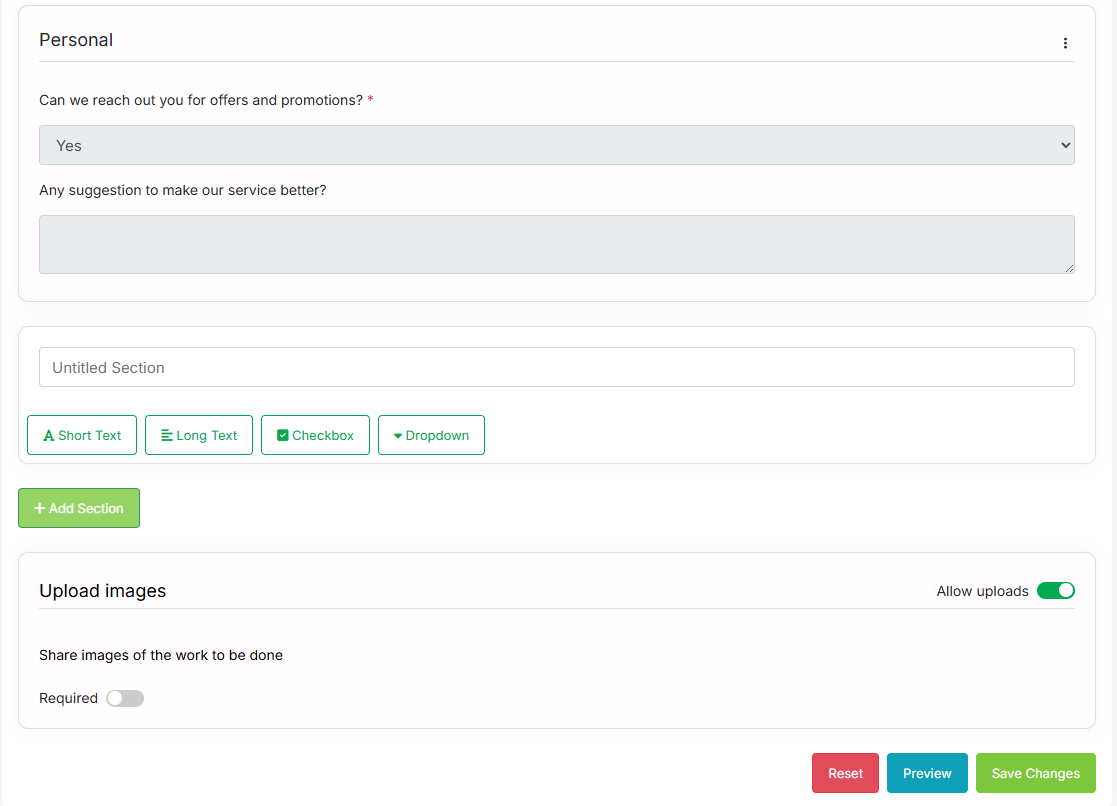
Create custom request forms with the fields you need—services, photos, preferred times, and more. Capture the right information upfront so you can provide accurate quotes and schedule efficiently without back-and-forth calls.
Start Free Trial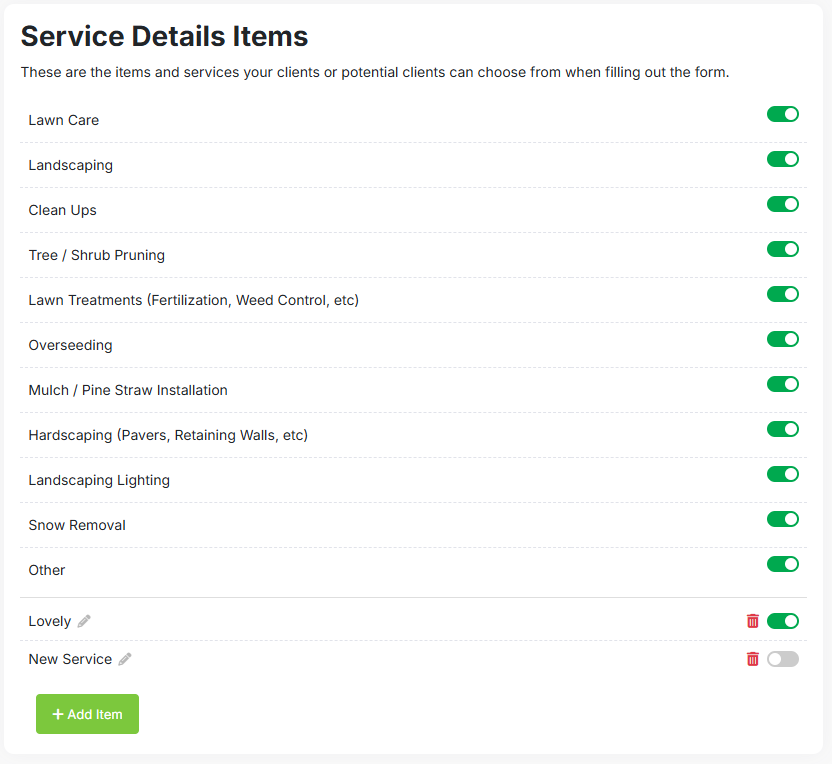
Display your service list so customers can select exactly what they need when submitting a request. They pick the services, you get a clear picture of the job before you even call them back.
Start Free Trial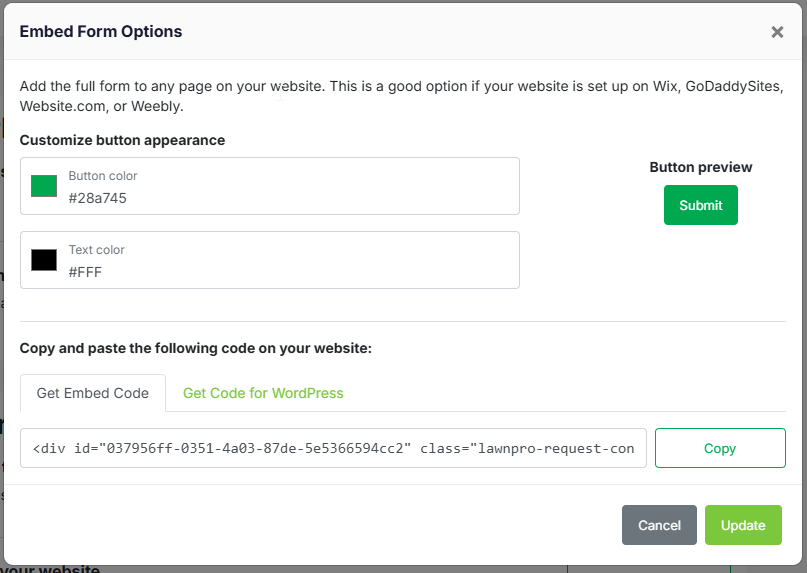
Embed your request form on any page with a simple code snippet—capture leads while you sleep. Works with any website platform: WordPress, Wix, Squarespace, or custom sites.
Start Free Trial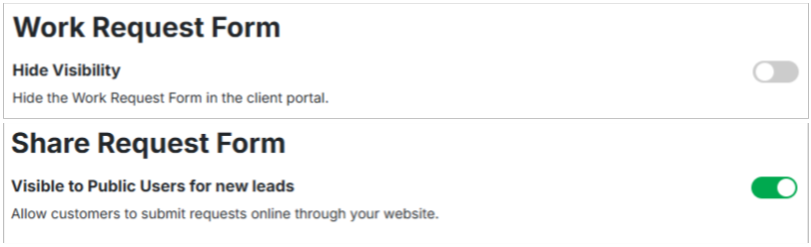
Choose which fields and services are visible on your public request form. Show only what matters for new leads, hide internal fields, and create a streamlined experience that converts.
Start Free TrialWork Requests is included in all LawnPro plans. No credit card required to start.
View Pricing"We embedded the request form on our website and started getting leads overnight—literally. Customers fill out what they need, we get an email, and we can respond first thing in the morning. We've closed jobs from requests that came in at 11pm."
Capture leads 24/7 without lifting a finger.
Your form works while you sleep. Customers can request work anytime—evenings, weekends, holidays.
Get an email the moment a request comes in. Respond fast and win the job before competitors.
Customers tell you what they need, their address, and preferred timing. Less phone tag, faster quotes.
Copy and paste the embed code on your website. No developer needed—works in minutes.
Share the form link on social media, in emails, or on Google Business. Capture leads from any channel.
New requests automatically create customer records. No manual data entry required.
LawnPro provides an embed code you can paste into any website. If you use WordPress, Wix, Squarespace, or similar platforms, just add an HTML block and paste the code. The form will appear right on your page.
Yes. You control which services are shown, what information is required, and what fields are visible. Customize the form to collect exactly the info you need for your business.
You'll receive an email notification instantly when a new request is submitted. You can also see all requests in your LawnPro dashboard and manage them from there.
Yes. Both new leads and existing customers can submit requests. Existing customers can also submit requests through their Client Portal for a more personalized experience.
Yes. You can enable photo uploads so customers can show you what needs work. This helps you provide more accurate quotes without an on-site visit.
Guides and support to help you get the most from Work Requests.
Configure which services and fields appear on your request form.
Read Now →See how existing customers can submit requests through their portal.
Read Now →